Why a code fails
| What you see | Likely cause | Fix |
|---|---|---|
| Code rejected straight away | Not in the Ouw Productions community | Join it, then restart the game |
| Code rejected after joining | Membership not picked up yet | Leave and rejoin the experience |
| Rejected, group joined | Typo, extra space, or a copied character that is not a letter | Retype it by hand |
| Rejected, everything correct | The code expired | Check the expired list |
Capitalisation differs between lists (Pocket Tactics prints UPDATE1REFORGE, TechWiser prints Update1Reforge). None of them says whether the box cares about capitals, so the safest move is to copy the spelling from a list exactly. The copy buttons on the codes page avoid typos entirely.
Where the box is
Pocket Tactics describes it as “the code box at the bottom of the screen” before you press play, and PCGamesN says “along the bottom” of the main menu, just under the list of working codes the game itself shows. On a phone the same box appears at the bottom of the menu; on console it is selected with the controller like any other menu field.
What to redeem first
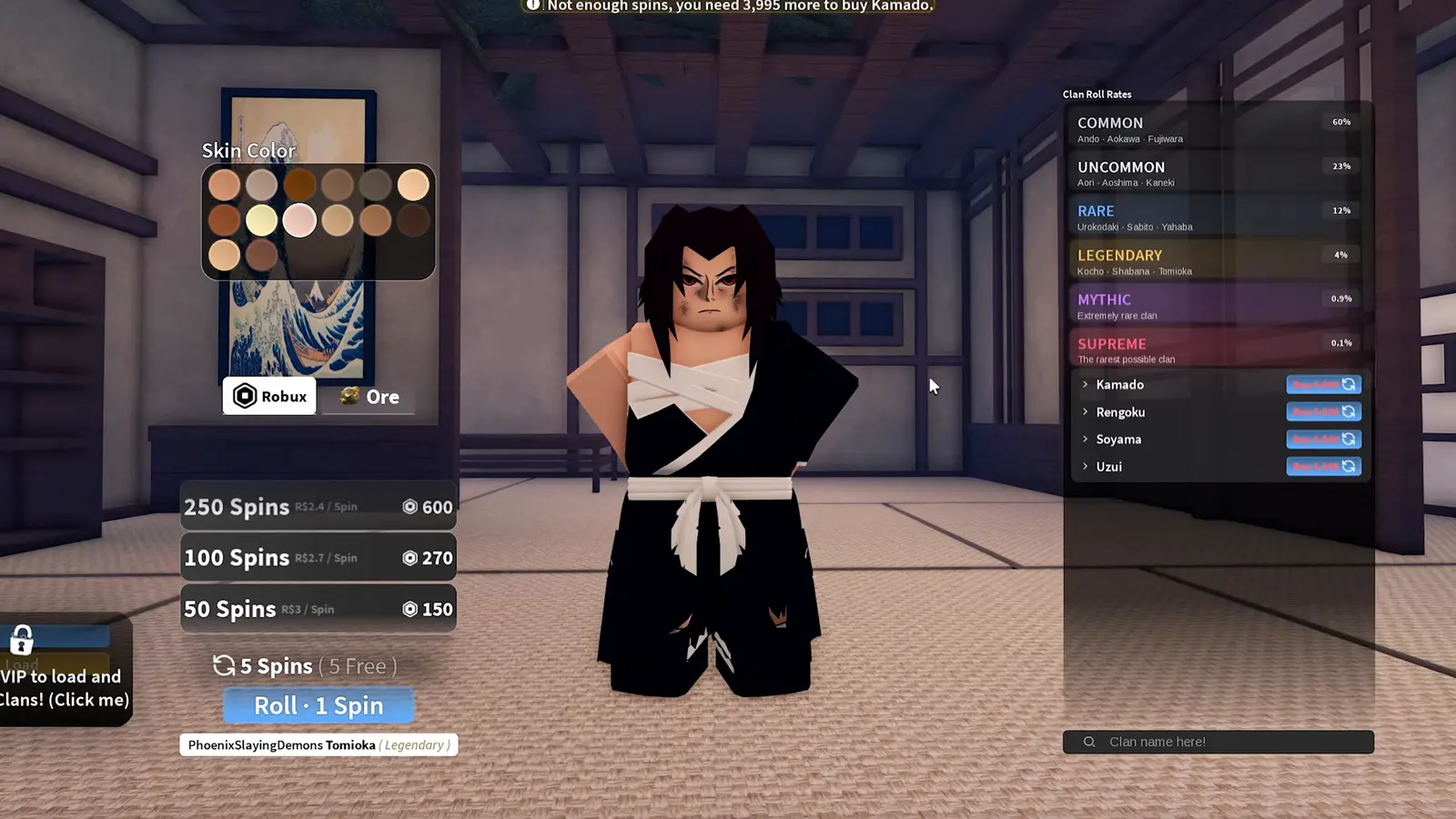
Spins go straight into clan rolls, so redeem them when you have decided to roll. Timed boosts (2x EXP, Wen and Mastery for 30 minutes) start counting when redeemed, so stack them before a long quest session such as the level 45 to 145 route. Resets are worth holding until you know which breathing style or demon art you want next.
Redeem a Slayers 2 code step by step
- Join the group. Open the Ouw Productions community on Roblox and press Join. The Update 1 codes check membership.
- Rejoin the game. If the game was already open, leave and start it again so it sees the new membership.
- Find the code box. Stay on the main menu before pressing Play. The code box is along the bottom of the screen.
- Enter the code. Type or paste the code with no spaces before or after it.
- Redeem. Press Redeem or Enter and wait for the confirmation before pressing Play.
FAQ
Do I have to join a group to redeem Slayers 2 codes?
Yes for the current codes. Pro Game Guides, TechWiser and PCGamesN all say to join the Ouw Productions community first.
Can I redeem codes on mobile or console?
Yes. The code box is part of the game’s main menu, which is the same on every device Roblox runs on.
Where are new codes announced?
In the official Slayers 2 Discord and on the Project Slayers X account; the game menu also lists working codes above the code box. Links are on official links.
Sources
- Pro Game Guides: Slayers 2 codes (updated 18 Nov 2026) — checked 20 Nov 2026
- TechWiser: Slayers 2 codes (19 Nov 2026) — checked 20 Nov 2026
- Pocket Tactics: Slayers 2 codes (16 Nov 2026) — checked 20 Nov 2026
- PCGamesN: Slayers 2 codes (16 Nov 2026) — checked 20 Nov 2026
- IGN: Slayers 2 codes (5 Nov 2026) — checked 20 Nov 2026
- Ouw Productions community on Roblox (member count, description) — checked 20 Nov 2026
How facts are checked: editorial policy.